Hello,
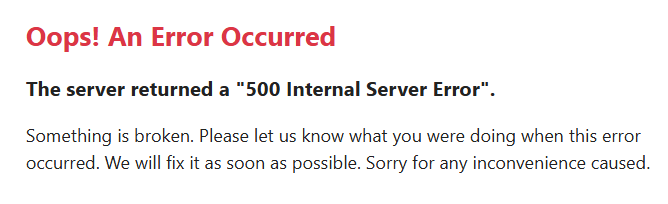
I copied my 2026 project to the server but it’s not working. I deleted the cache in var/cache/dev and prod and changed the database details but no luck. Does anybody has a clue? Locally it’s working fine.
Hello,
I copied my 2026 project to the server but it’s not working. I deleted the cache in var/cache/dev and prod and changed the database details but no luck. Does anybody has a clue? Locally it’s working fine.
Whenever you see 500 Internal Server Error, turn on Debug and check the actual error message.
If you don't want to upload all files again, you should at least modify the .env to enable debugging as follows:
APP_DEBUG=true
Then run the site again and see if you can get the error message. If not, check the log files under var/log/prod-yyyy-mm-dd.log (assume you have generated your project in "production" mode).
If you have uploaded before, make sure you have deleted the old cache, read Clearing Symfony Cache.
If you still cannot find error message, upload all files with debugging enabled, delete old cache and run the site again.
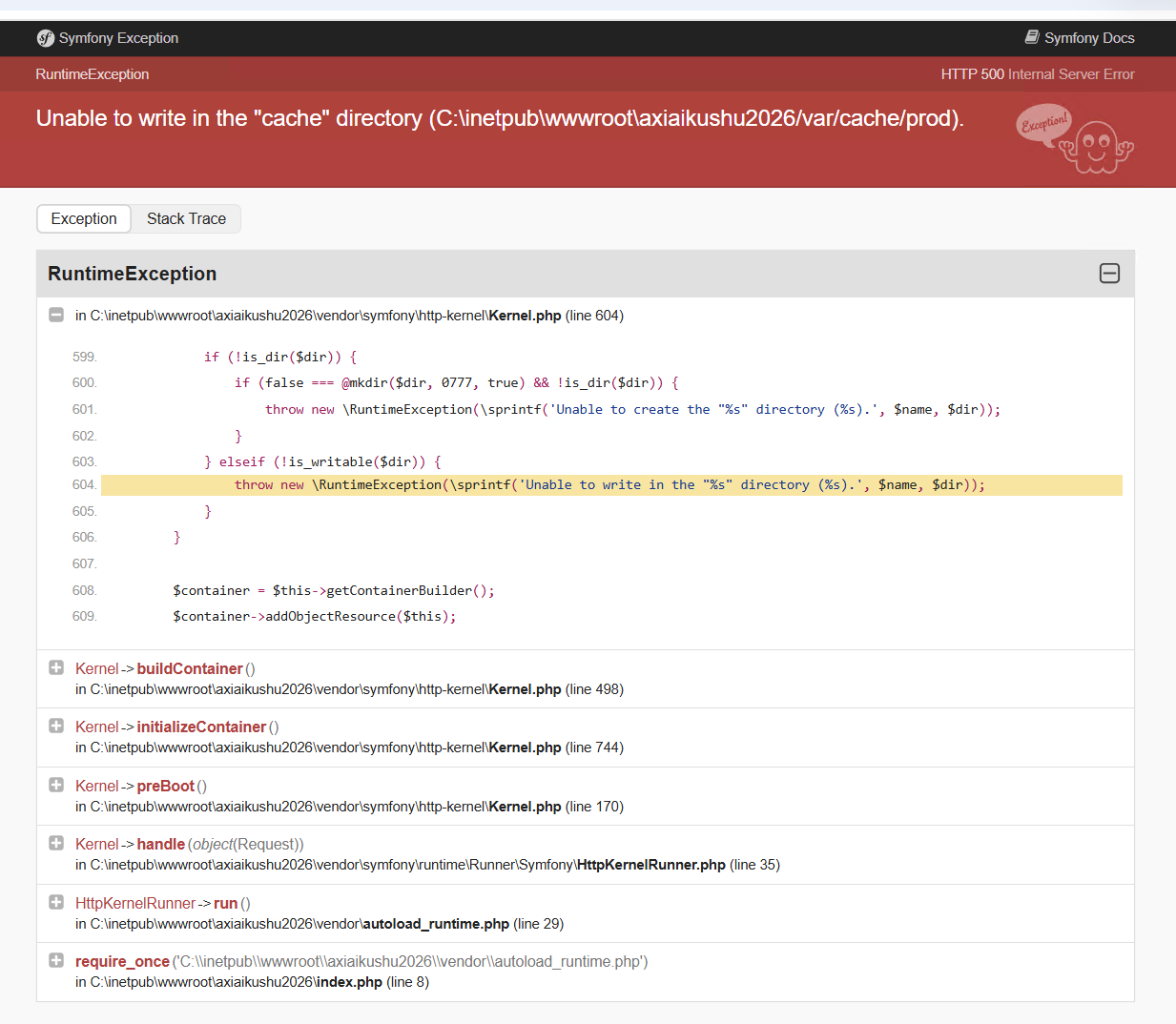
The var folder must be writable, read Migrating to v2026 -> Write Permissions.
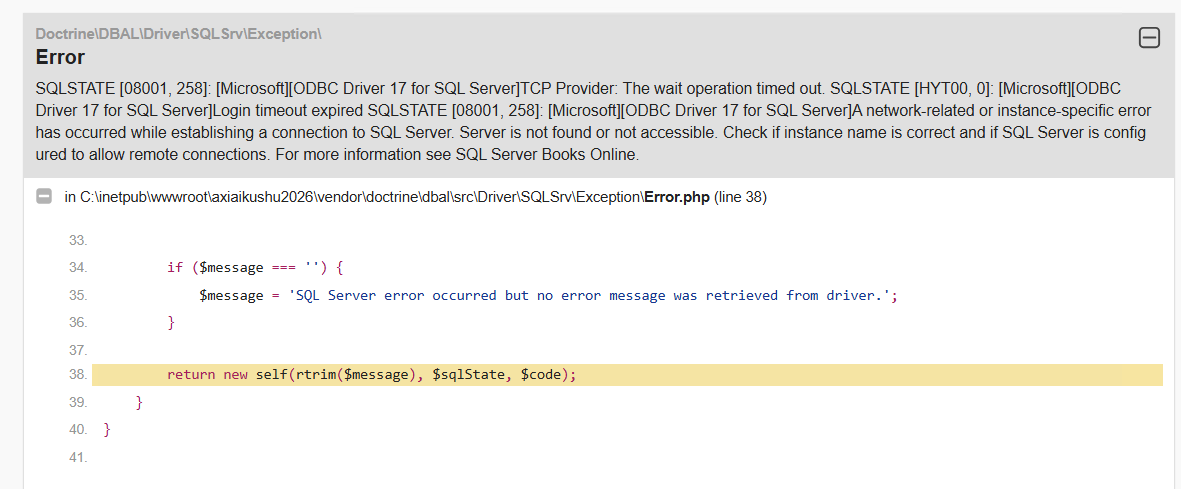
The debug mode is telling me my connection string is not ok. I double checked everything and even used my credentials in SSMS. No problem there and again on my local machine it does work using a diffent DB_HOST offcourse.
If you use "production" mode, make sure you have set up your production connection info correctly, read Setting Production Connection Info.