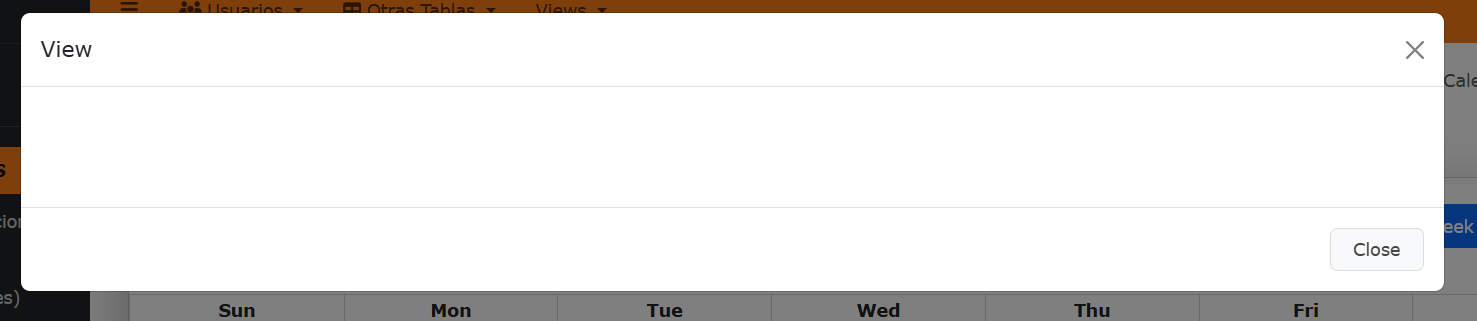
Disabled View action Calendar Report

Hi everyone,

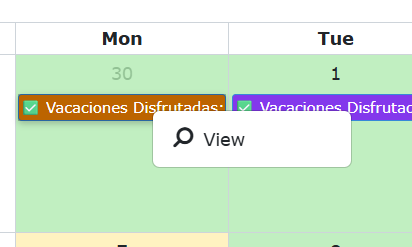
Now on a Calendar Report, yo can do a right click on an event, ando you can add, edit, or view, in this case, add and edit i can uncheck, but i want to disable the view action to, 'cause i dont need it


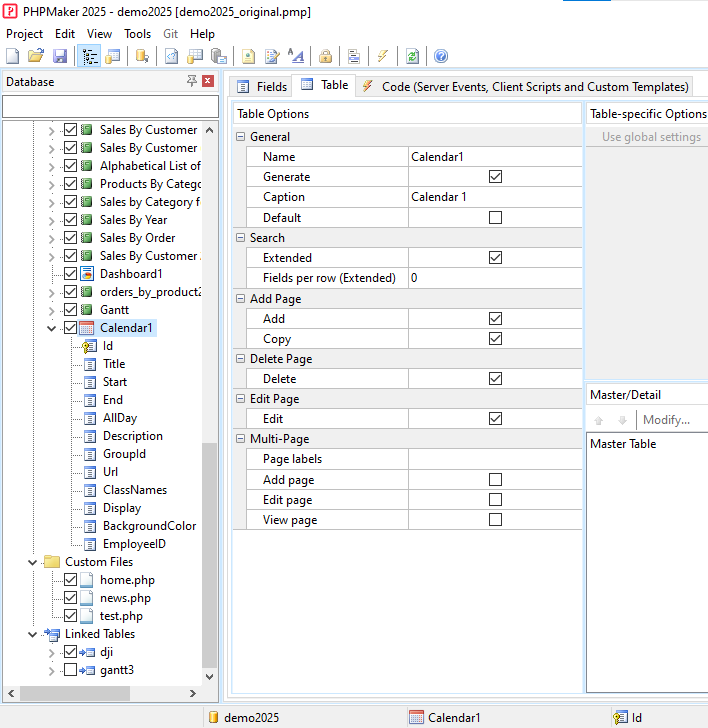
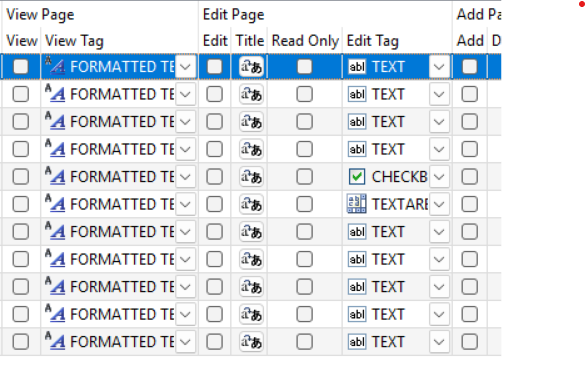
I unchecked all the columns for view but still appear

How can i disabled it?

Thanks

You may try to set this in Client Script:

ew.calendarOptions.eventPopoverOptions.trigger = "manual";

I think PHPMaker should also add View Page under Table setup of Calendar Reports, as well as for the Table objects. Until v2025.12, I did not find any View Page option under Table setup. This will allow us to simply disable the option without having to disable the View Page option under Fields setup.

1 Like

And this not working, view action still appear

Then you may disable the context menu completely by:

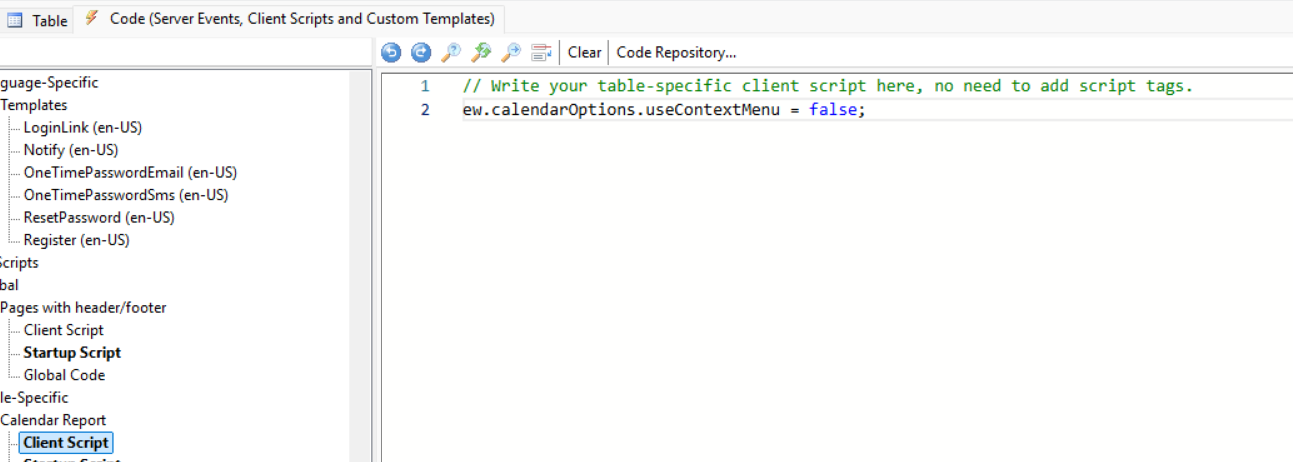
ew.calendarOptions.useContextMenu = false;

Still not working

It won’t work if you put it in Startup Script. You should put it in Client Script instead.

It is on Client Script

It should work. Make sure you have already re-generated ALL the script files for your Calendar Reports.

Well, I’m telling you, this not work, idk why, but not work and I re-generated ALL the script files for your Calendar Reports, of all the project actually.
If it does not work in Client Script, try put it in Page_Head, see Example 4 on how to add JavaScript.

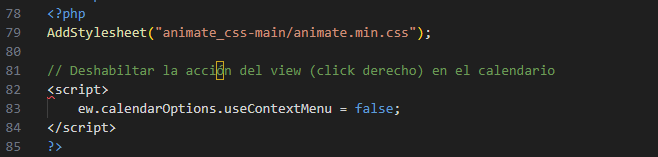
Error:


I put the script right here:

As said in docs: (see Example 3)

You can even use both PHP and HTML, but in such case you MUST use <?php ... ?>

You should move this closing tag:
?>

before this line:
<script>

I was reading the doc of calendar report on phpmaker and there is an example to disabled it
Calendar Report Setup

And it works