Hi, complete newbie here.
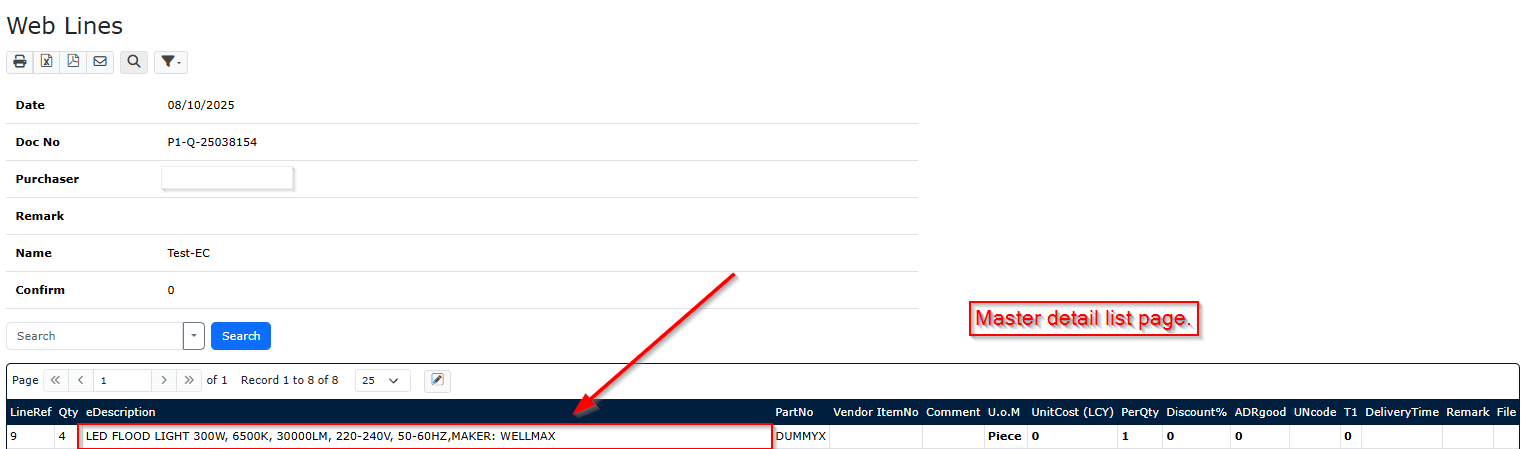
Created a listpage (master detail) and created a grid edit page.
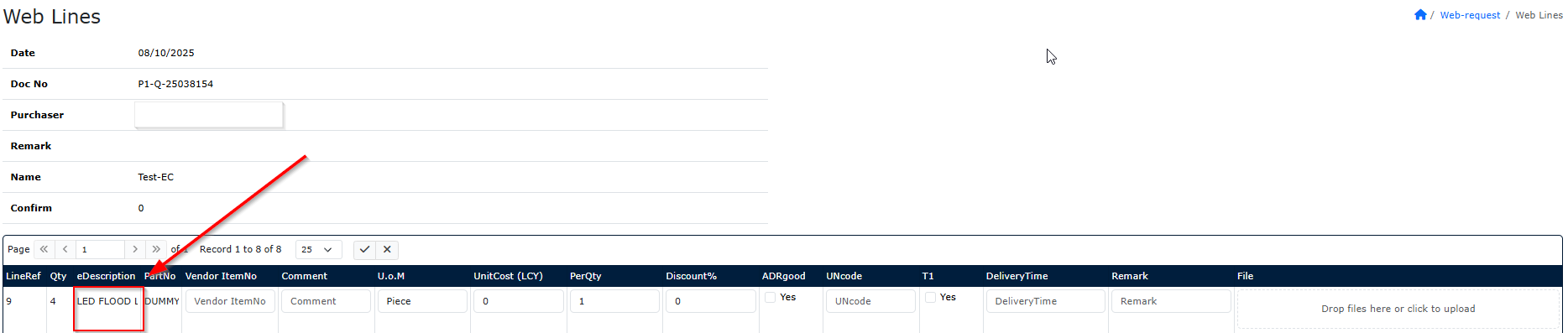
In the list fields (text) are showing completely but when opening the grid edit, the fields text are cut off. Need to see it all.
Tried with Edit/Readonly and tried with server event “eDescription.Readonly true” but still the field is not showing completely. Is there a way to change the size of the field or make it by wrap.
Thx, Rob
Attached 2 images with my example.
Change the Edit Tag of the field to TEXTAREA and set the field to ReadOnly in run time (Server Events).
Hi Michael,
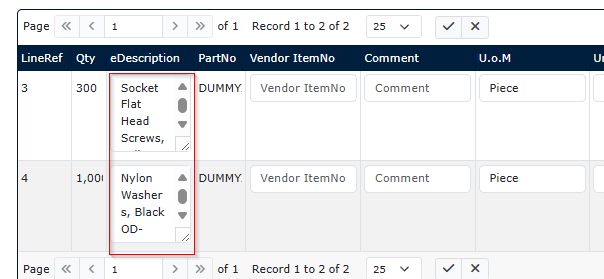
Thanks for your reply, I’m complete new with asp and C# so maby a stupid question but do you know if this is really the only solution? Isn’t it possible to set the field width somewhere. Reason is that with your solution it becomes like underneath image as you can see it’s not very clear for the login-user.
Thanks, Rob
Hi,
Struggling but I found it.
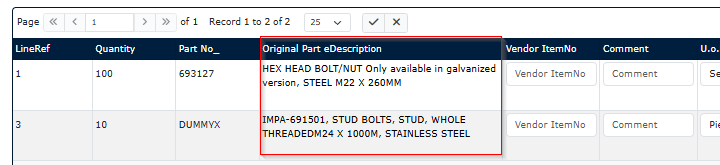
In the edit tag set the field as readonly and make a server event with field.ReadOnly and make the Caption from the field a bit longer. Then underneath is the result:

Gr, Rob