How to customize the width of the select dropdown in Grid Add and Grid Edit.
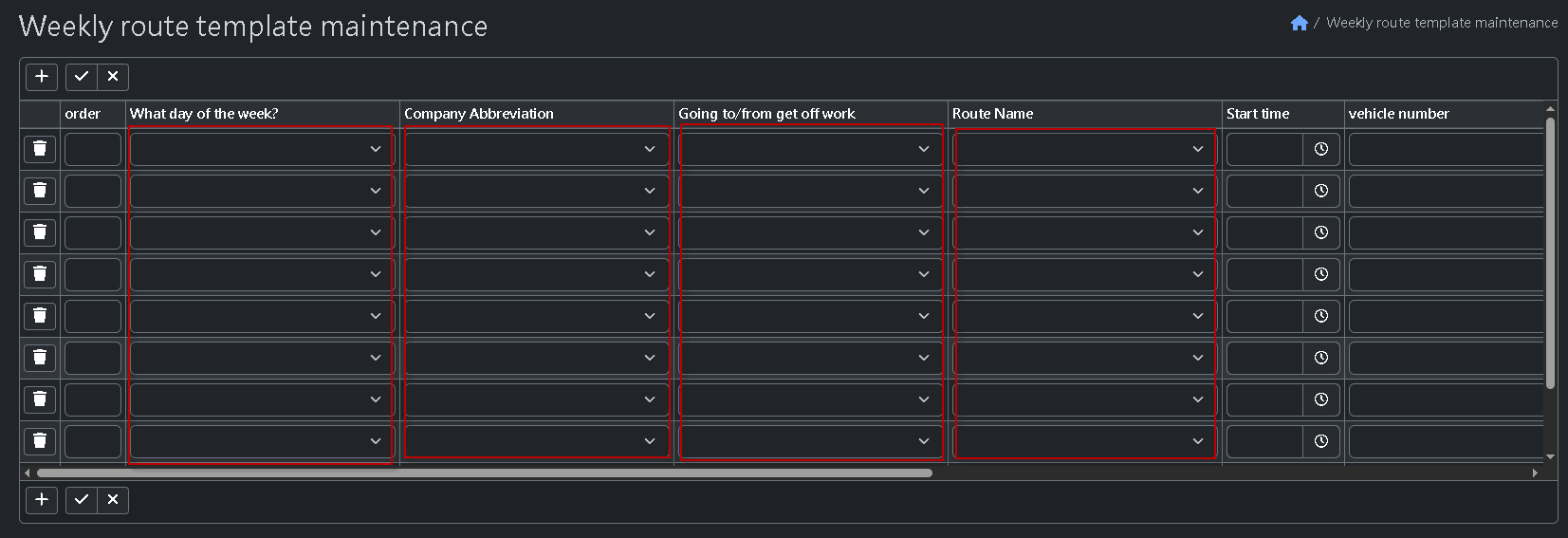
You may read Inspect HTML element and add your own CSS styles.
Thank you for your response. The issue has been resolved.
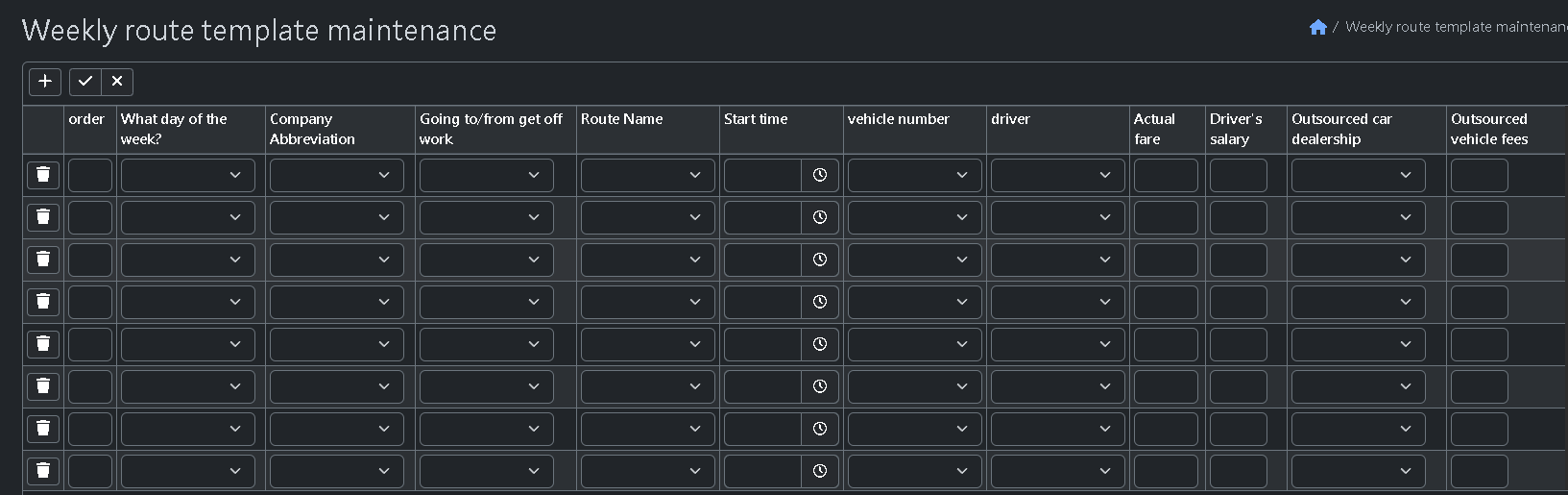
My css code:
/* 1. Engineer recommendation: allow table header text to wrap to reduce space usage \*/
.ew-table-header .ew-table-header-btn,
.jtable-column-header-container {
white-space: normal !important;
display: flex !important;
align-items: center;
}

/* 2. Force adjustment of Select2 container width (for Bootstrap 5 theme) */
/* Increase width from 100px to 140px to prevent text from being too cramped \*/
.select2-container--bootstrap5,
.select2-container--bootstrap5\[style\],
.ew-grid-edit-table .select2-container {
width: 140px !important;
min-width: 140px !important;
}

/* 3. Style fix for the internal selection box \*/
.select2-container--bootstrap5 .select2-selection--single {
width: 100% !important;
height: 31px !important;
}

/* 4. Force fixed table layout \*/
.ew-grid-edit-table {
table-layout: fixed !important;
width: auto !important;
}

/* 5. Adjust common cell width */
/* Set to 140px to ensure the dropdown can fully display 4–5 Chinese characters */
.ew-grid-edit-table td {
width: 140px !important;
max-width: 140px !important;
overflow: visible !important; /* Change to visible so the dropdown is not clipped when expanded */
white-space: normal !important; /* Allow text to wrap when necessary to prevent record truncation \*/
}