Can someone help me with this error using Azure (db and Web app).
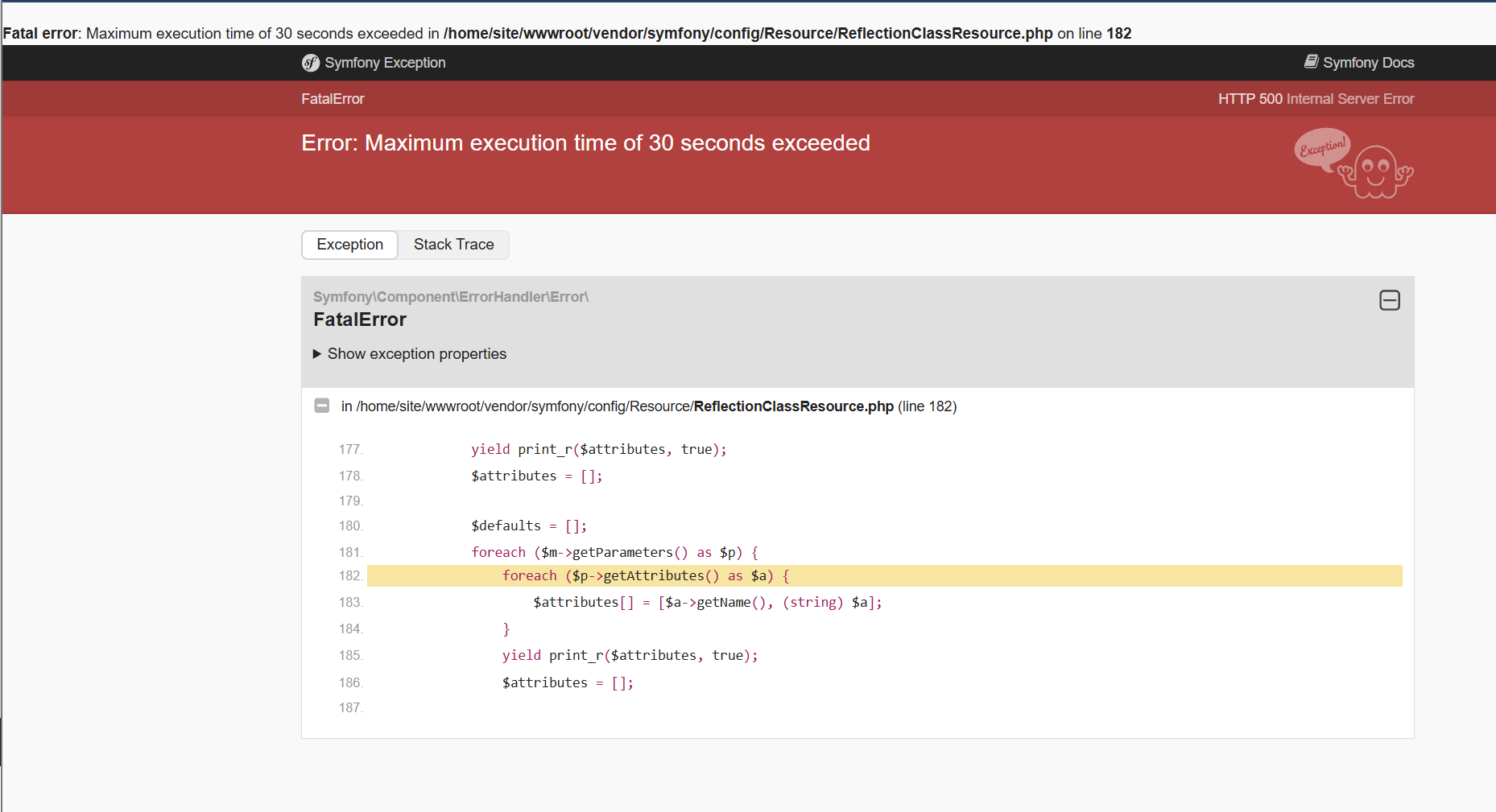
I have to say that running the application on Azure is very fragile.
Every change and deployment crashes the application. We have to clear the cache make sure debug is on or off commit a few times and it looks like it suddenly working again.
Yesterday we deleted a field in a database table en generates everything again, delete all the cache en still we got nginx 404 error (nginx/1.28.0). After syncing in debug mode = true and back in debug mode = false it was working again in test, deleting the cache as well offcourse.
But I’m still trying to get it working in production. All the other tables (pages) work so it’s so inconsistant.
Isn’t there a way to make this more steady?
We are working with PHPmaker for years now and are very happy with it. Quick development is why our customers want to work with us. But now, using Azure, we are spending hours fixing errors.
Maximum execution time should be configured at your Azure server, depending on what Azure hosting you use.
In general, you should test your site on development environment (e.g. your PC) first, then generate the production version and deploy to your server. If you want to test on your production server directly, you better use a staging site with the project in development mode so you don't need to delele cache every time.
It is not about server, it is about development/production mode of your application. Read Clearing Symfony Cache and learn more about how Symfony caching in dev/prod evironments works differently.