Let us beat this horse a bit more..
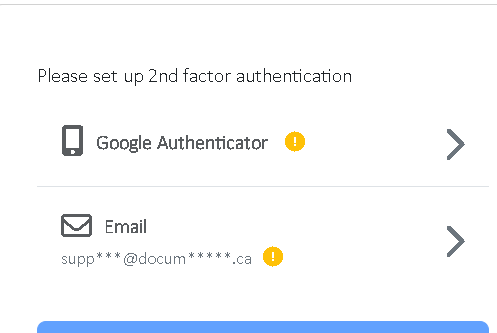
so, the OTP to email doesn’t work when using the built in admin account. no errors, no nothing, doesn’t matter which device. we’ve never been able to get it to work, always returns an incorrect response.
anyway to remove this option?
removed this info, but the option to setup via email still appears.

then on google auth on google browser.. takes the otp code… on Edge it does not accept it, and prompts to setup the authenticator again
then if you do re-scan to setup on edge… and then go to google browser and try to login , the OTP is not accepted.
so its now caught in a loop, and every device that we attempt to login with is now prompting to re-setup the authentication.
does this mean we need to have a separate admin auth account on every device?
obviously , I created a new account instead of overwriting the existing admin account, and that works on the edge browser.. but not on chrome and visa - versa. oh and then I guess i need another account on my mobile device as well?
how many times do we need to delete the “cookies” – which isn’t helping