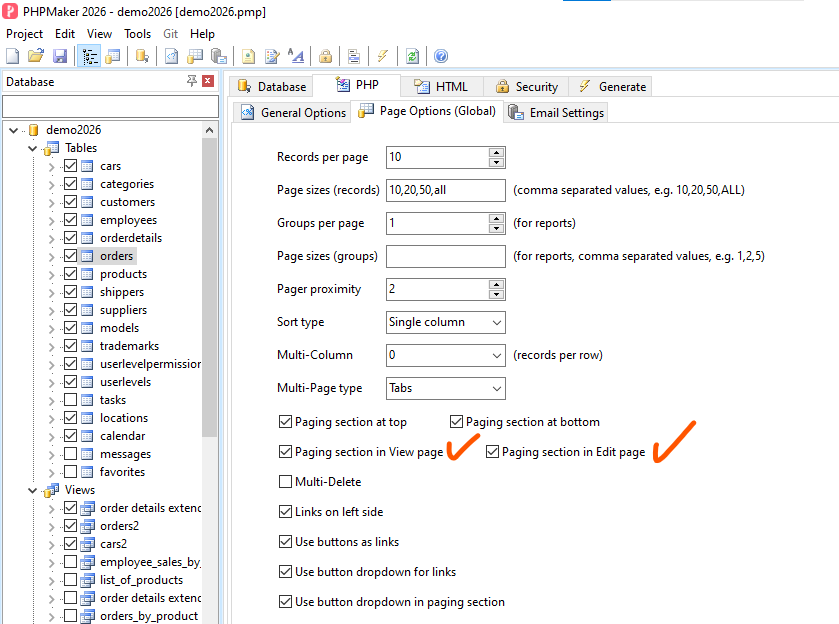
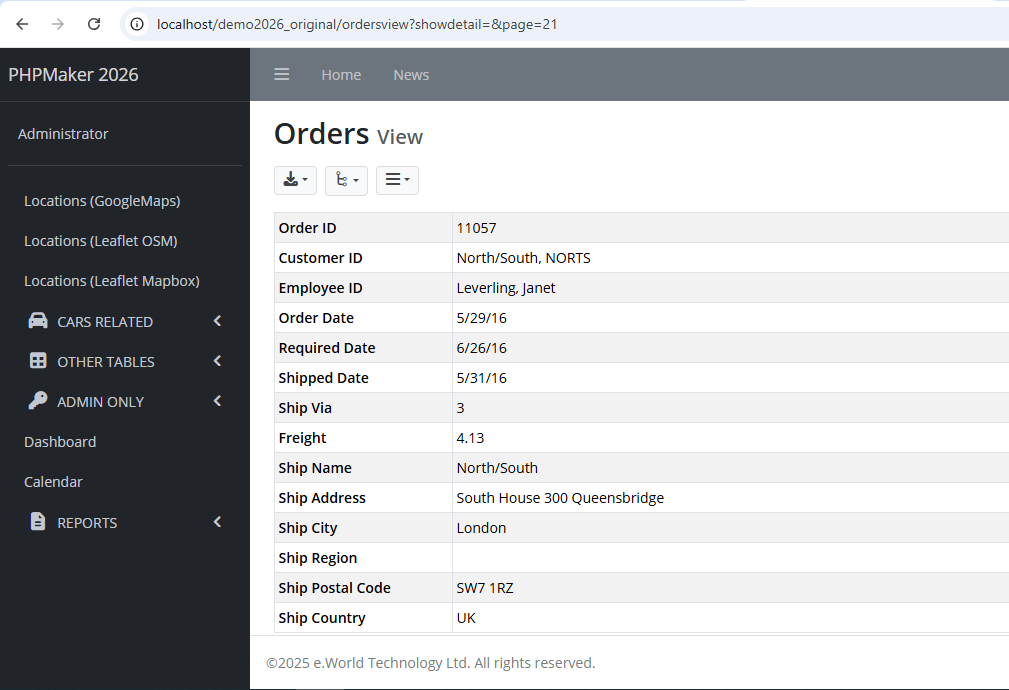
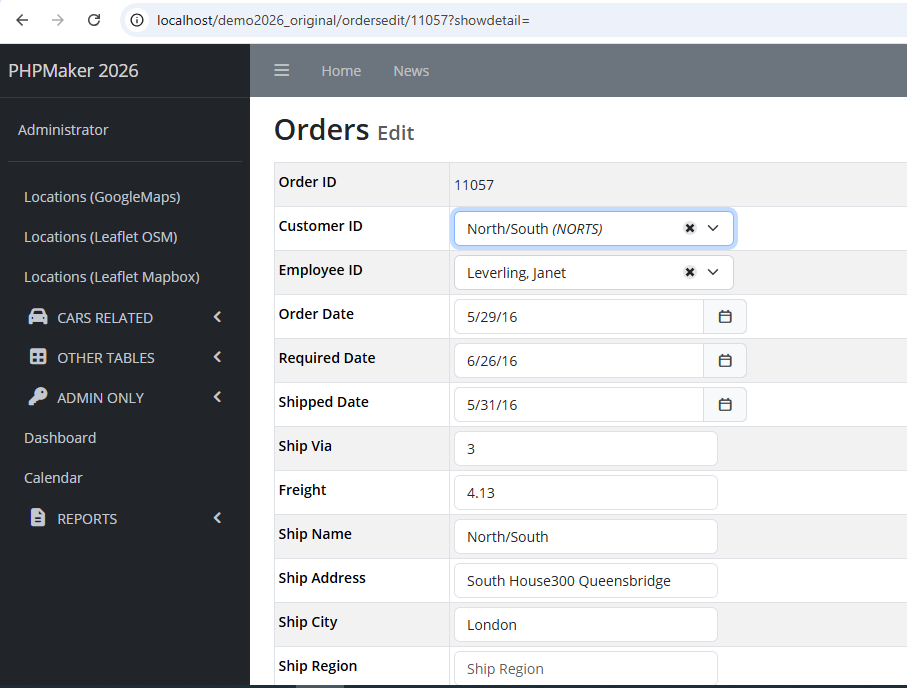
After re-generating ALL the script files (and clear all the files under the generated var/cache/dev folder), the Paging section does not show up both in View and Edit pages:
However, I found only a small issue, but needs to be fixed, I think.
Let’s say we use demo2026 project, and then go to Orders List page. Click on View for the first record, which is the OrderID = 11077, then you will see the View page for that record is open. Now from that View page, click on Edit, then you will not see the Paging section in that Edit page.
However, if I first click on Edit button from the List page, the in that Edit page I can see the Paging section.
So, the issue is, the Paging section does not show up in the Edit page, if I open the View page first.
Please note that I DID NOT enable the following settings under Tools → Advanced Settings: