I have varying users with different security settings so some pages are 'forbidden' for some users.
If they click on the menu item for a page where they have no permissions, they get a full 403 error page so the navigation has all disappeared. The only way out id a back button which some users may not understand.
Am I missing something? Is there a better - more user-friendly- way to handle forbidden pages??
If the user does not have permission, the menu item will not be shown. If you add your own custom menu items, you may use MenuItem_Adding server event, only set the Allowed property to true if the user has permission to that item.
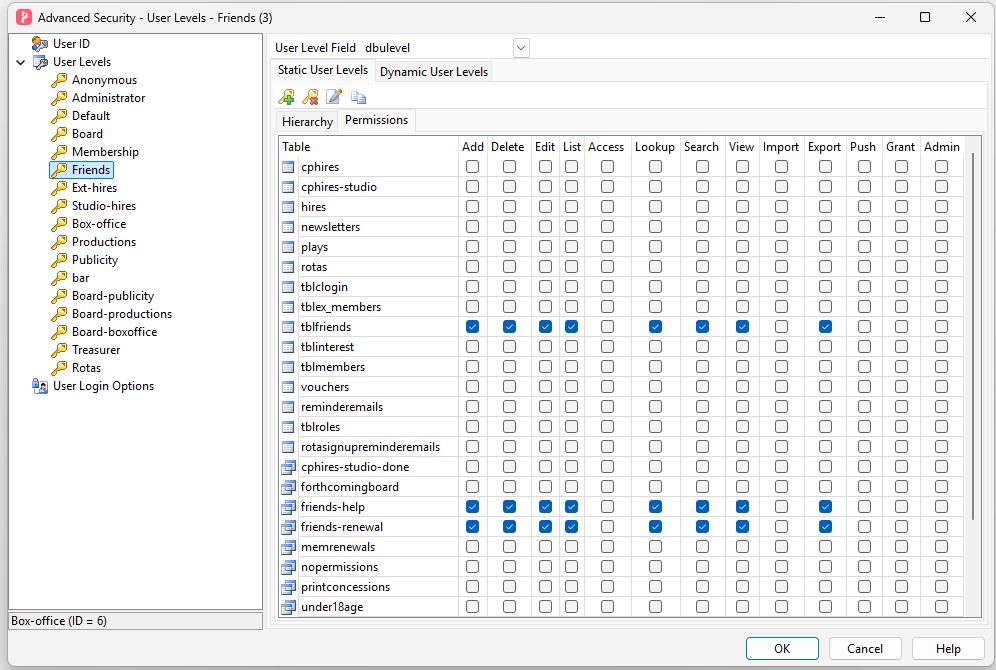
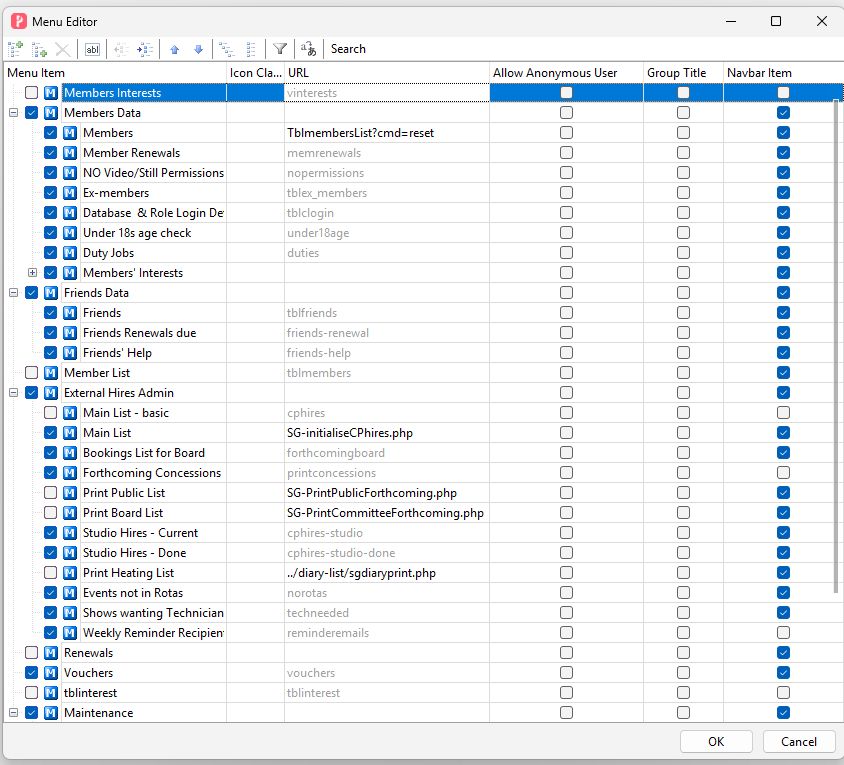
I have, for example, one login which only has permissions set (in the user levels screen) for one table. ALL the menu items for ALL other tables are shown and ALL of them give a 403 error page.
How did you make those pages 'forbidden' for some users? Are you using some server events?
Which version are you using?
Are you using User Level Security? If yes, Static or Dynamic User Levels. (The permissions of menu items are controlled by User Level Security, if the user does not have permissions to some menu items, the menu items will not show at all.)
Are you using custom menu items (i.e. added by yourself with Menu Editor)?
Are you using Menu_Rendering/Rendered or MenuItem_Adding server event?
Press F12 in browser, go to the Console panel, check if there are any JavaScript errors.
No server events being used. Just using normal static user level security.
Latest version of v2026.
No custom menu items.
not using Menu_Rendering/Rendered or MenuItem_Adding
Security settings for 'friends' user look like this...
You are using Static user levels, make sure the file userlevelsettings.php (which contains all the user level settings) is generated again after any changes in permissions. Then clear old cache to make sure the new file is used.