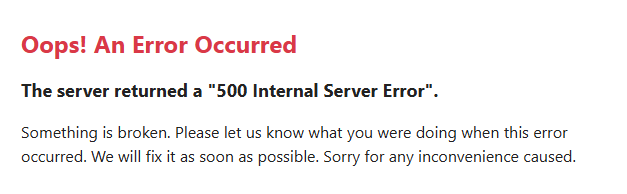
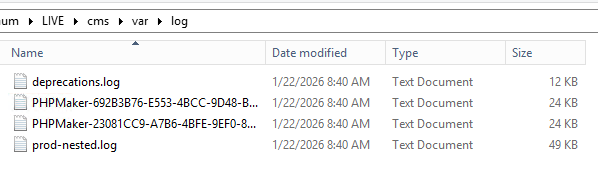
I uploaded my cms files and I am getting the following errors
2026-01-20T19:21:51+00:00 [info] User Deprecated: Since symfony/framework-bundle 7.3: Not setting the "property_info.with_constructor_extractor" option explicitly is deprecated because its default value will change in version 8.0.

2026-01-20T19:21:51+00:00 [info] User Deprecated: Since symfony/dependency-injection 7.4: Service id "PHPMaker2026\KgcrFv1\SystemTimeProvider" looks like a FQCN but no corresponding class or interface exists. To resolve this ambiguity, please rename this service to a non-FQCN (e.g. using dots), or create the missing class or interface.

2026-01-20T19:21:51+00:00 [info] User Deprecated: Since symfony/framework-bundle 7.3: Not setting the "property_info.with_constructor_extractor" option explicitly is deprecated because its default value will change in version 8.0.

2026-01-20T19:21:51+00:00 [critical] Uncaught Exception: The stream or file "D:\**redacted**\cms\var\log/prod-nested.log" could not be opened in append mode: Failed to open stream: Permission denied
The exception occurred while attempting to log: Error warming up language "en-US": Warning: file_put_contents(D:/**redacted**E/cms/translations/messages.en_US.php): Failed to open stream: Permission denied
Context: {"exception":{}}
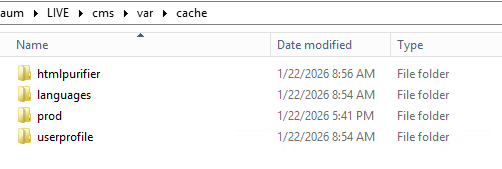
I have cleared the var/cache/ folder but I am not sure what else to do. I did click
”Environment > production” on the last “generate”
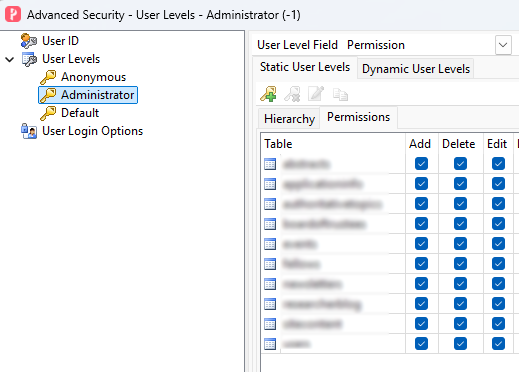
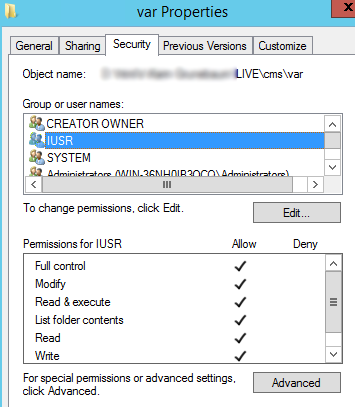
I am still have (intermittent) 500 errors. I added write permission on the assets and translation folders, then deleted everything in the var folder. On the server I can sometimes log in, and sometimes not. clearing the var folder helps, but I shouldn’t have to do that everytime someone logs in. I still can’t get to it consistently from a browser that is not on the server
but now I only get this (on the server and remotely)
OK I enabled debugging, regenerated the files, uploaded everything to the server. I went into the cms/var/prod/ and deleted everything. I then went to the cms in a browser and got this
2026-01-22T13:56:15+00:00 [critical] Uncaught Exception: The stream or file "D:\REDACTED\cms\var\log/deprecations.log" could not be opened in append mode: Failed to open stream: Permission denied
The exception occurred while attempting to log: User Deprecated: Since symfony/framework-bundle 7.3: Not setting the "property_info.with_constructor_extractor" option explicitly is deprecated because its default value will change in version 8.0.
Context: {"exception":{}}
totally broken now.
And I want to be clear about the login thing. When it was (kinda) working, I was able to get to the login form, enter credentials, but when the form was submitted I got the 500 on this URL
If your project folder is controlled by other software (e.g. you sync the folder by OneDrive or other similar), the permissions might be controlled by it, you better try to use a project folder outside such folders.