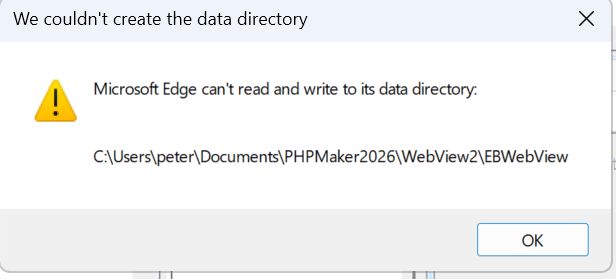
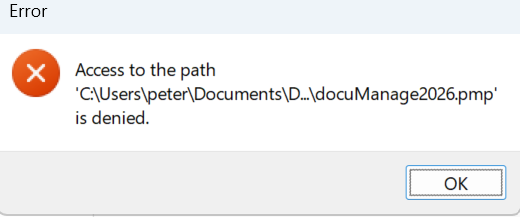
Make sure you have read/write permissions (and permissions to create folder, if the folder does not exists, try create it yourself) to the C:\Users\peter\Documents folder. (In other words, make sure you login as "peter".)
You may change the folder to to any other folder that you have read/write permissions by the advanced setting WebView2 user data folder.
For unknown reasons you cannot read/write C:\Users\peter\Documents (I assume you login as "peter" already) and you said you have no OneDrive. You should try other folder not in C:\ and make sure your have read/write permission to that folder using Windows File Explorer.